Setting Up Xero Integration
Setting Up Xero Integration
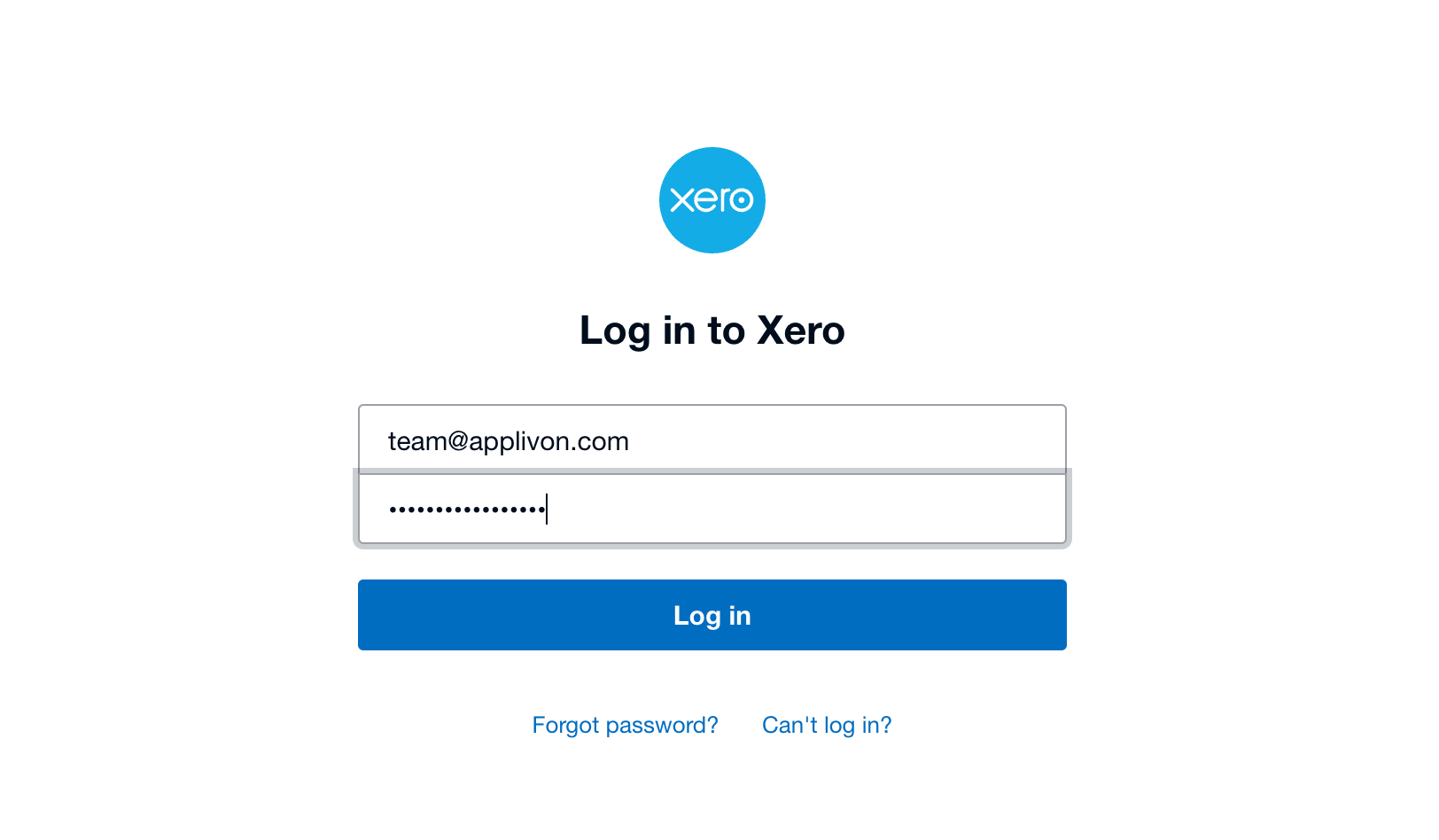
Step 1: Go to https://developer.xero.com/
Enter uername and password
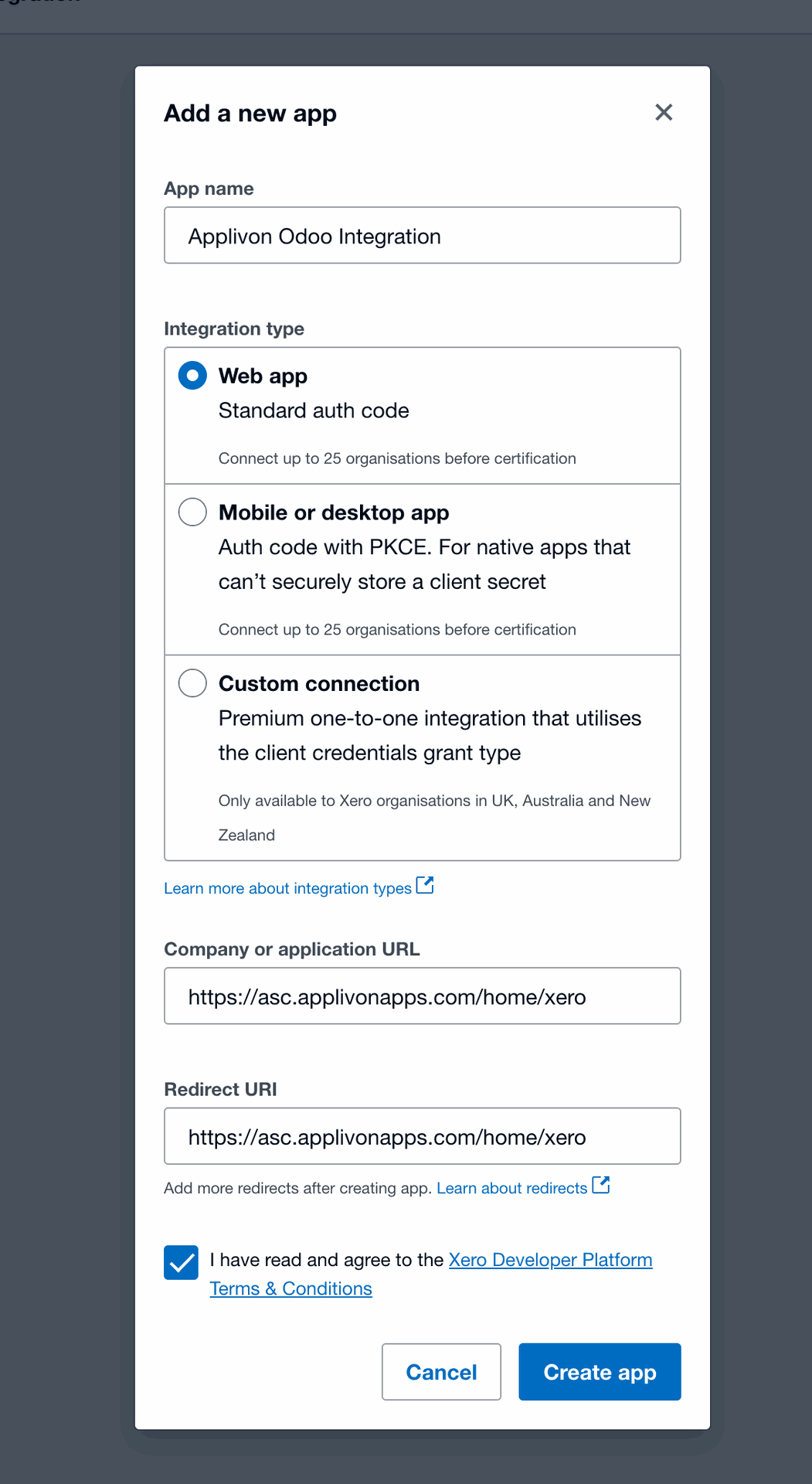
Step 2: Create a new app
a) Set App Name
b) Set Intgration type as 'Web App'
c) Set Application and Redirect URI as:https://[YOUR DOMAIN NAME HERE]/home/xero
Step 3: Set Company or application URL as: https://[YOUR DOMAIN NAME HERE]/home/xero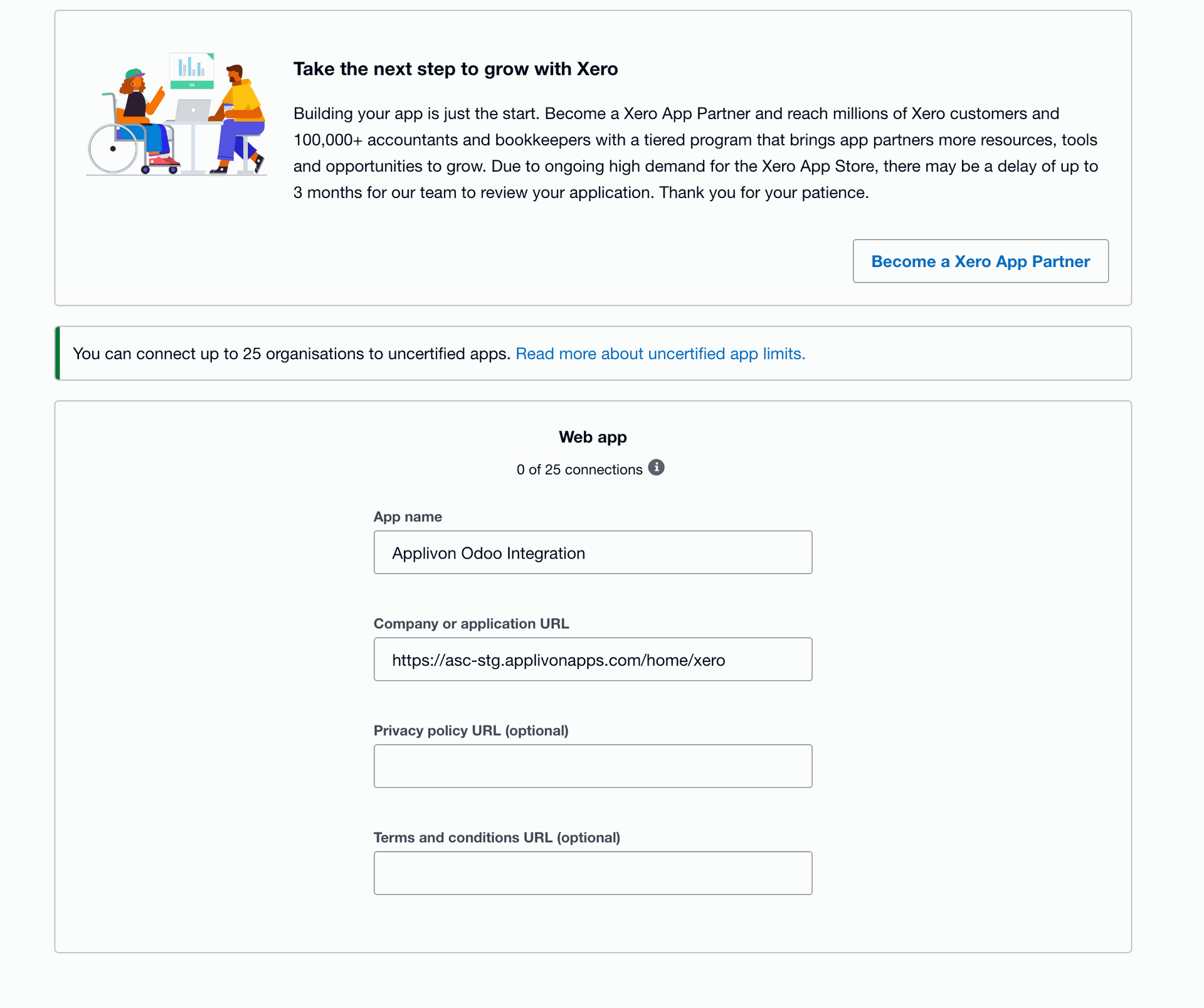
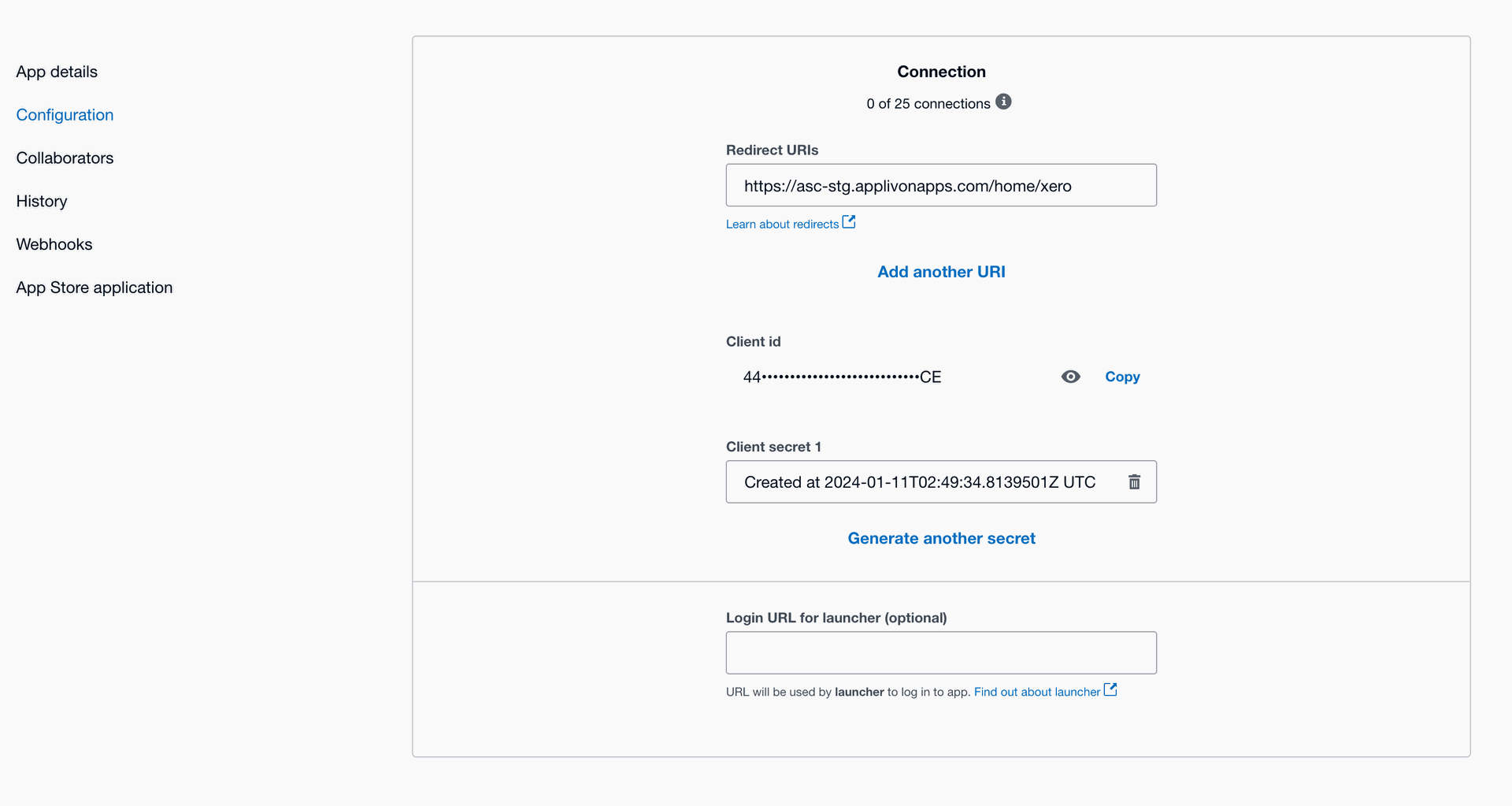
Step 4 : Click on Configuration and set Redirect URL as => https://[YOUR DOMAIN NAME HERE]/home/xero
Step 5:
a) Copy Client ID
b) Copy Client Secret